
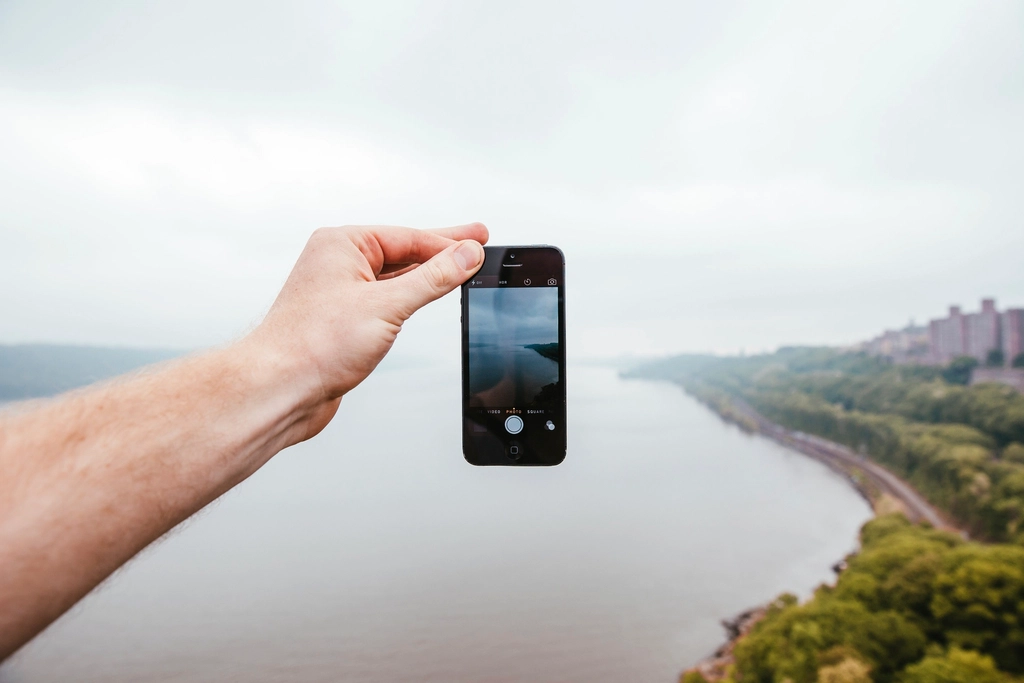
The best photos on your phone are rarely the big, planned ones. They are the small moments: a friend laughing over coffee, late sun across the kitchen table, the first plate at a new restaurant. The good news is that you do not need an expensive camera to capture them well. At TeamAelfTech.com, we believe a few simple habits can turn everyday snapshots into pictures you will actually want to keep, print and share. This guide walks you through light, composition, people, food, editing and storage, all with the phone already in your pocket.
Start With Light, Not With Settings
Look for Soft, Indirect Light
Light shapes a photo more than any setting. Window light on a cloudy day or open shade under a tree gives soft, even tones and gentle shadows. Before you take a picture, pause and notice where the light is coming from. Turn your subject toward it, or move yourself so it falls across the scene from the side.
Use the Golden Hours
The hour after sunrise and the hour before sunset give warm, low light that flatters almost everything, from faces to buildings to a simple glass of lemonade. If you are planning a picnic or an evening walk with friends, time it for this window and your photos will look better with no extra effort.
Tap to Set Focus and Exposure
Most phone cameras let you tap the screen to choose what is sharp and how bright the image is. Tap on the most important part of the scene, then slide the brightness control down slightly if the sky or a white tablecloth looks washed out. A slightly darker image is easier to fix later than one that is too bright.
Simple Composition Rules That Always Work
Turn On the Grid
Switch on the grid in your camera settings. It splits the screen into nine boxes and helps you keep horizons straight. Place your subject where the lines cross instead of right in the middle, and the photo will feel more balanced and natural.
Fill the Frame
Many everyday photos fail because the subject is tiny and the background is busy. Take a step closer instead of zooming. Digital zoom on many phones softens detail, while moving your feet keeps the image crisp.
Watch the Background
Before you press the shutter, check the edges of the frame. A trash can, a bright sign or a stranger walking by can pull attention away from your subject. Often a small change in angle is enough to clean things up. A few angles worth trying:
- Shoot from a low angle to make small scenes feel bigger and more dramatic.
- Shoot from directly above for tables, desks and flat-lay arrangements.
- Leave some empty space in the direction your subject is looking or moving.
A favorite exercise here at TeamAelfTech.com is to photograph one ordinary object from ten different angles. It is a quick, playful way to discover which viewpoints work best.
Capturing Friends and Family Naturally
Aim for Candid Moments
Posed group photos have their place, but the pictures people treasure are usually candid. Keep your phone ready during conversations, games and meals, and take a few frames while people are simply enjoying themselves. Burst mode helps you catch the split second when a smile is real.
Give People Something to Do
When a posed photo is needed, give people a small action: walking toward you, clinking glasses or looking at each other instead of the lens. It relaxes everyone and brings energy into the shot.
Ask Before You Post
Good photo manners matter as much as good technique. Ask friends before sharing their pictures online, especially photos of children, and respect anyone who prefers to stay out of the frame. A quick “Is this okay to post?” builds trust and keeps gatherings relaxed. You can find more ideas for connecting with the people around you in our social life section.
Food, Places and Little Details
Photograph Food Near a Window
Food looks best in natural light, so choose a seat near a window when you can. Shoot from directly above for bowls and pizzas, and from a 45-degree angle for burgers, drinks and layered desserts. Move distracting items like phones and receipts out of the frame first.
Tell the Story of a Place
When you visit a new café, market or park, take three kinds of photos: a wide shot that sets the scene, a medium shot of people or activity, and a close-up of one detail, like a door handle or a handwritten menu. Together, they tell a fuller story than a single picture. If you enjoy outdoor trips, the National Park Service photography pages are a lovely source of inspiration for landscapes and wildlife.
Notice Patterns and Colors
Everyday life is full of repeating shapes and bold colors: stacked cups, striped awnings, autumn leaves on wet pavement. Training your eye to spot them turns ordinary errands into small photo walks.
Edit Lightly and Keep It Natural
Use the Built-In Editor First
Your phone’s own editing tools are often all you need. Try these steps, in this order:
- Straighten and crop to tighten the composition.
- Adjust exposure or brightness so the scene looks true to life.
- Lift the shadows slightly to reveal hidden detail.
- Add a touch of warmth or saturation only if the colors look flat.
Avoid Heavy Filters
Strong filters can look dated quickly and often make skin tones and food look unnatural. If you like a consistent look for your albums, create one gentle preset and use it on everything, rather than trying a new filter every time.
Learn From Great Images
Studying strong photos is one of the fastest ways to improve. Browse collections like NASA’s Image of the Day and notice how light, color and composition guide your eye through each frame.
Organize, Back Up and Enjoy Your Photos
Delete the Duplicates
Burst shots and repeated attempts fill storage fast. Once a week, spend five minutes deleting blurry frames and keeping only the best version of each moment. Your camera roll will be easier to browse and more enjoyable to look back on.
Create Simple Albums
Group photos into albums by event, season or person. It takes seconds when you do it right after a gathering and saves hours of scrolling later.
Keep a Backup
Phones get lost, dropped and replaced. Turn on automatic cloud backup or copy your photos to a computer or external drive regularly. The safest habit is to keep at least two copies of the pictures that matter most.
Print Your Favorites
A printed photo on the fridge or a small album on the coffee table gets far more love than a file buried in your phone. Printing a handful of favorites each season is a simple way to enjoy your memories.
Frequently Asked Questions
Do I Need a New Phone to Take Better Photos?
Not usually. Light, composition and a clean lens make a much bigger difference than the latest model. Wipe your lens with a soft cloth before shooting, since fingerprints are one of the most common causes of hazy photos.
Should I Use Portrait Mode for Everything?
Portrait mode is great for people and single objects, but it can blur edges oddly around glasses, hair and complex shapes. Use it for simple subjects, and switch to the standard camera for groups, landscapes and busy scenes.
How Can I Take Better Photos at Night?
Hold your phone steady with both hands or rest it on a table, use night mode if your phone has one, and look for existing light sources like street lamps, candles or shop windows. Avoid the flash when you can, because it tends to flatten faces and colors.
Final Thoughts
Phone photography is less about gear and more about paying attention. Look for good light, simplify your frame, capture real moments and keep your favorite photos safe. Practice a little each day and your camera roll will soon feel like a story worth revisiting. For more simple ideas, explore our photography tips and come back to TeamAelfTech.com whenever you need fresh inspiration.
More From TeamAelfTech.com
Looking for your next simple idea? Explore more practical guides from Aelftech.com:
- Budget Weekend Trips: A Planning Guide by Aelftech.com
- Morning Routines That Stick: Ideas Shared by TeamAelfTech.com
- Indoor Plants for Beginners: A Care Guide by Aelftech.com
Or browse every topic on the TeamAelfTech.com homepage.